KYC & onboarding

Document OCR API for KYC and customer onboarding

Build a reusable document-data extraction layer into your onboarding stack.

IdScanly reads supported identity-document images and returns structured fields your backend can map, review and pass to the next step. Process the front, back and retakes of the same document in one session, with confidence scores and capture feedback to support your user journey.

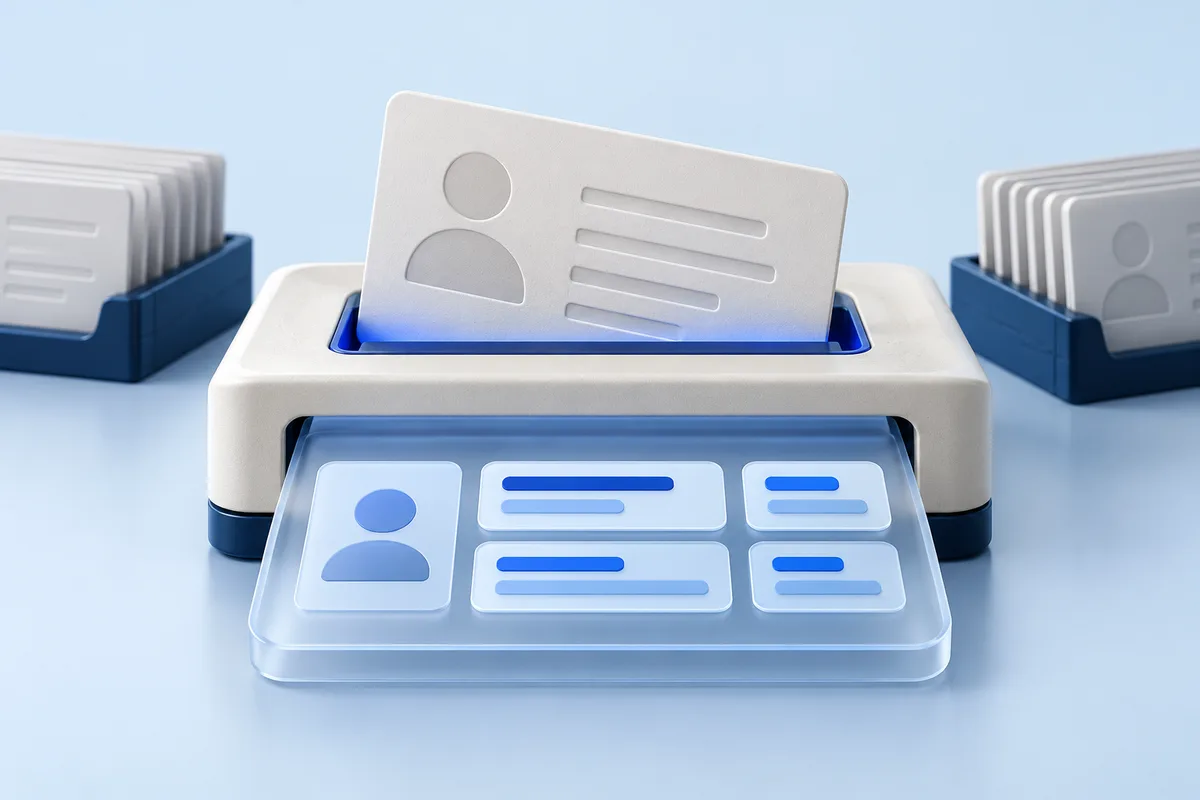
Original illustration of the document workflow for KYC & onboarding
Illustrative integration

Synthetic data. A possible integration, not a ready-made connector or a live product screen.

Document
FrontBackRetake
Merged fields
NameAlex Example
DocumentDEMO-0001
Your system
Draft recordNeeds review

Give your onboarding system usable document data

Document images contain information your application needs in a different form: fields for an application record, values for comparison and inputs for downstream checks.

A document OCR API converts those images into structured output. IdScanly provides that extraction layer for teams building customer registration and KYC workflows across web, mobile and staff-assisted channels.

Your application controls the interface, required documents, review policy and connections to other services. The extraction component supplies document-derived data without requiring you to build the reading pipeline yourself.

Process the whole document in one session

Identity information may be split across the front and back of a card. A passport image may contain one clear section and another obscured by glare. Asking for a retake should help the same document flow continue.

With IdScanly, keep the sides and retakes of the same document in one scan session. Upload the first image when it is ready, then add further views while processing continues. The service combines available evidence into a merged result.

Use separate sessions for different documents, such as a passport and a driver license. Your own onboarding record connects those sessions to the correct person and application.

Build a clear capture and review journey

Upload as images become available

Your backend can start the session with the first image instead of waiting for every required view. Your interface can show the captured image so the customer can check framing, lighting and readability while continuing the document step.

Use supported capture feedback

When scan feedback identifies an image issue, show a specific next action. A customer may need to retake a blurred image, include a missing edge or provide another view of the document.

Work with progressive results

Partial fields can become available during asynchronous processing. Your application can use these to prepare the interface while keeping processing status and final confirmation distinct.

Review the merged output

The final result contains combined fields and confidence information. Apply your own rules for confirmation, another capture or human review, particularly for required fields and meaningful differences from declared data.

Extract more than a fixed shortlist of fields

Depending on the supported document, IdScanly can return personal information, document identifiers, issuing details, validity dates, printed addresses and document-specific information.

Examples include names, date and place of birth, nationality, document number, issuing country and expiry date. Driver licenses may also contain supported categories or restrictions; other document types expose different fields.

MRZ reading with checksum validation and supported barcode extraction can provide additional document data. AAMVA PDF417 data is supported on relevant US and Canadian driver licenses. Available output depends on the document format, version and image quality.

Design your mapping around the fields your workflow needs, while preserving the distinction between a field that is unavailable and one that has been reviewed and confirmed.
Integrate through your backend

  1. Create a scan session. Associate the returned session identifier with the document in your own onboarding workflow.
  2. Upload document images. Submit the data page or required front and back images. Add retakes of that same document within the session.
  3. Retrieve processing results. Follow the documented polling flow or supported waiting behaviour on the final upload. Handle incomplete and completed states explicitly.
  4. Map and review fields. Transform the result into your internal schema and resolve required fields or discrepancies.
  5. Continue the application. Pass the appropriate data into your next review or specialist verification step.

Keep API credentials server-side. Your backend should also handle request failures, interrupted customer journeys and result retrieval according to the current API documentation.

Explore the API documentation

Keep OCR and identity decisions clearly defined

OCR extracts information printed or encoded in a document image. Full identity verification can also require evidence of document authenticity, a connection between the presenter and the document, liveness and other checks relevant to the business.

IdScanly supplies the extraction component. Your workflow chooses and coordinates the additional services it needs. A confidence score concerns extraction quality, while MRZ checksum validation concerns encoded-data consistency; neither independently verifies the customer’s identity.

This division gives your team control over the wider onboarding architecture and the data each component receives.

Evaluate the fields that matter to your product

Build a representative test set covering your expected countries, document types and image conditions. Compare field-level output, including names with diacritics, document numbers, dates, missing fields and results combined from several images.

Test the user journey as well as the successful scan. Check what your interface does after an unclear photo, an omitted side, an interrupted upload or a result requiring review.

For larger processing volumes, discuss dedicated-server capacity and support requirements with IdScanly. Review current processing and privacy terms, including temporary data involved in processing and result retrieval.

KYC and onboarding OCR FAQ

What is the difference between document OCR and KYC?

Document OCR extracts data from document images. KYC is a broader customer due-diligence workflow that can require identity verification, screening, risk assessment and ongoing controls. OCR can provide an input to that workflow.

Can I upload the front, back and a clearer retake?

Yes. Keep images of the same document in one scan session so their readable information can contribute to the merged result.

Can we display data before processing finishes?

Partial results can be available during processing. Your application should distinguish those values from the completed result and manage when the user can confirm the information.

Does a confidence score prove a document is genuine?

No. It supports assessment of the extracted reading. Authenticity and holder verification require separate capabilities.

What happens when a required field is missing?

Keep it unresolved and use your capture, correction or review process. Your application should not invent a value or interpret missing output as confirmed information.

Is the API tied to financial services?

No. The extraction layer can also support guest registration, rental administration, visitor management and other document-based onboarding workflows.

Test your document flow from capture to review

Try IdScanly with the documents your customers use, then review the API workflow with your engineering team. Share the fields, document coverage and processing volumes your product needs.

Explore business workflows: Fintech applications · Car rental · Hotel check-in