Visual document reading
Read the information printed on identity documents: names, dates, document numbers and other available fields. Turn document photos into structured data with confidence scores for your review.
IdScanly / OCR API
Accurate identity data. A smoother customer journey.
Turn passport, national ID and driver license images into structured data for onboarding, hotel check-in and customer registration.
View API DocsFront and back document images, one structured result
No image storage or processing log files.
JPEG / PNG / WebP / HEIC / HEIFIdScanly / Features
Read the information printed on identity documents: names, dates, document numbers and other available fields. Turn document photos into structured data with confidence scores for your review.
Help users correct a poor document photo. Capture feedback identifies supported image issues and suggests the next step, so your application can guide a better upload.
Actionable capture feedbackProcess passports, national ID cards, driver licenses and other identity documents across countries and document layouts. Check your required countries and document versions with the live demo or our team.
Upload a document data page or add the front and back to the same scan session. Supported image formats include JPEG, PNG, WebP, HEIC and HEIF.
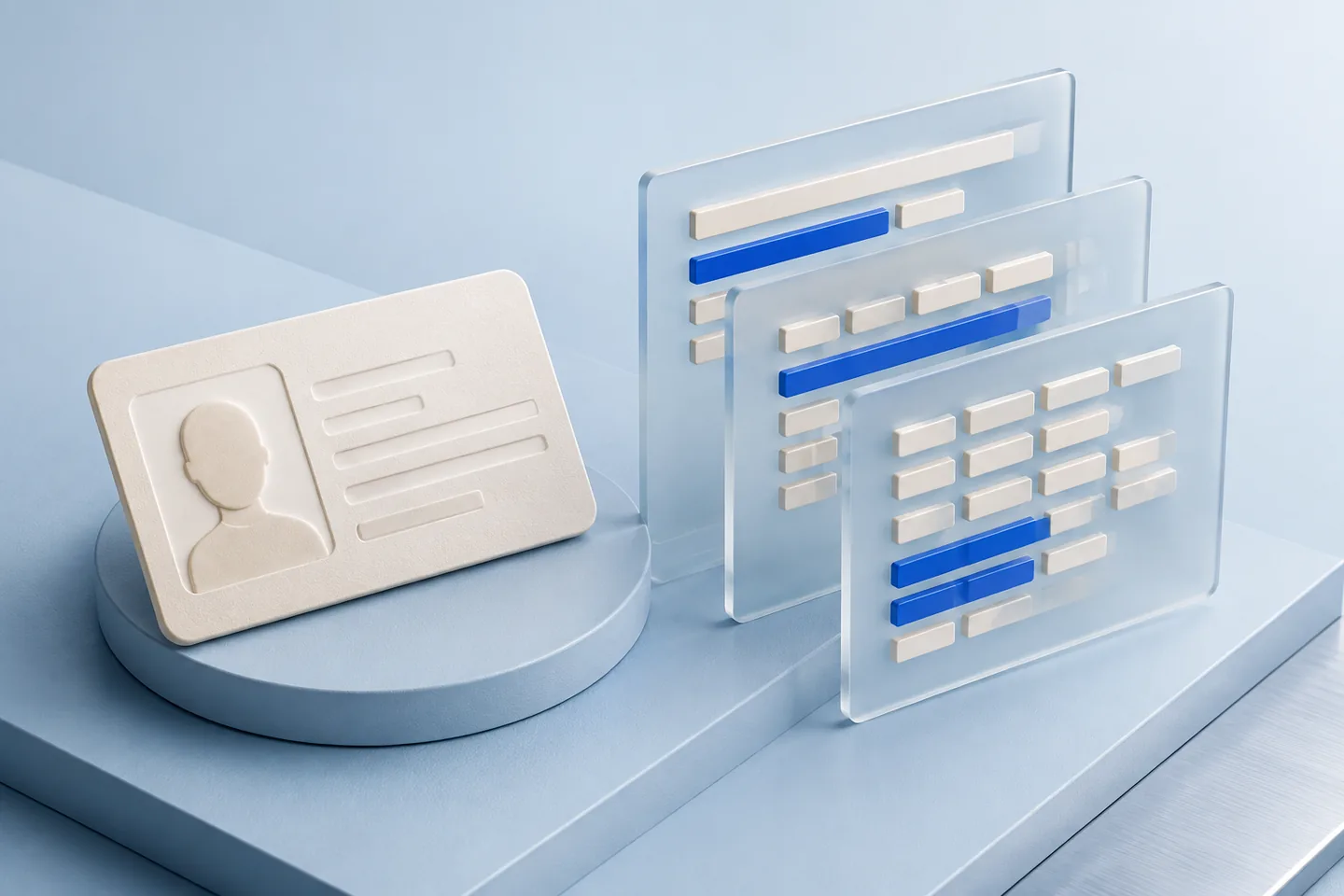
Personal details, document identifiers, addresses, issuing information and document-specific fields — with more than a fixed shortlist.
Your document has a purpose, not a place in an archive. We return the extracted data without retaining document images or personal data.
 JSON
JSONOCR / JSON
Extract the information your workflow needs from the document itself. These examples show the range of fields IdScanly can return across supported documents.
Examples, not a fixed field limit. Available data depends on the document, country, version and image quality. The demo displays every field returned for your scan.
Live demoInternational document coverage
IdScanly extracts structured data from international identity documents for onboarding, registration and check-in. Support includes the following document categories.
ContactPassport data pages: names, document number, nationality, dates and available MRZ data.
Identity cards with front and back processing for the fields printed on each side.
Driver details, document dates and available license categories, including supported AAMVA PDF417 data.
Holder information, permit numbers and validity dates from supported residence documents.
Visible visa information and available machine-readable fields for travel workflows.
Supported travel and temporary identity documents, with fields appropriate to the document.
Available fields depend on the issuing country, document version and image quality. Share your required document set with us to confirm coverage for your integration.
Actionable capture feedback
A failed capture should not leave your customer guessing. Use the feedback returned with a scan to explain what needs attention and help the user submit a clearer image.
Surface supported quality warnings such as glare, blur or a document cut off by the image edge.
Ask for a clearer photo, the complete document or an additional side when the result calls for it.
Use the corrected upload and structured result to continue registration with less manual retyping.
Common use cases
Automate customer registration by extracting identity data from passports, national ID cards and driver licenses.
Accelerate Know Your Customer (KYC) procedures and reduce manual data entry during account creation.
Capture guest information from passports and identity cards during hotel check-in processes.
Capture document details for visitor registration and reduce repetitive data entry at reception.
Extract and validate driver license information during vehicle rental and onboarding processes.
IdScanly / API
 IdScanly
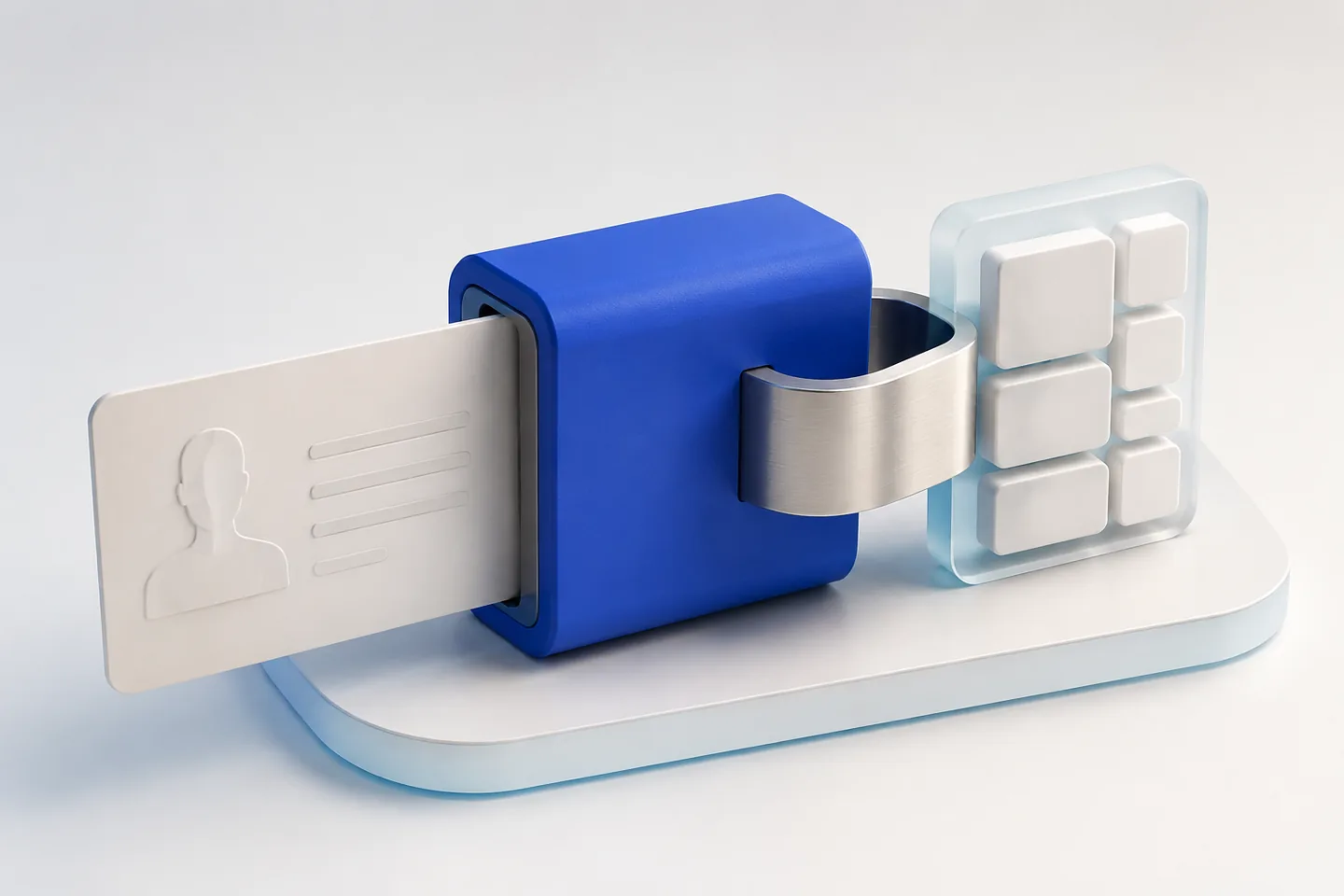
Call the REST API from your own backend. Submit images, poll for results, read structured fields.
Best for: Backend teams, fintechs, KYC platforms, onboarding flows, access control systems
View API Docs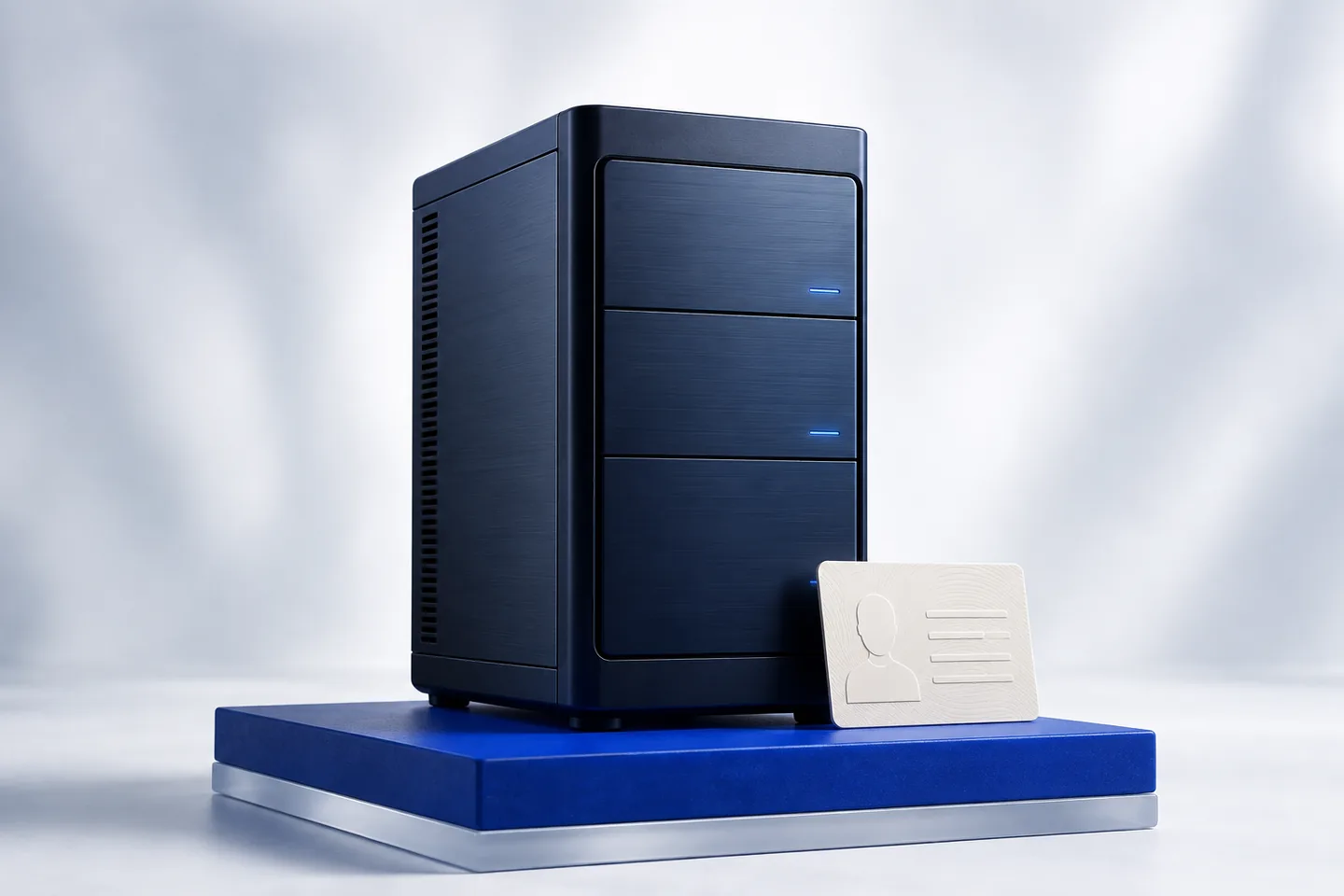 IdScanly
IdScanly operates the service. For larger workloads, discuss a dedicated server with capacity and support tailored to your business.
Best for: High-volume onboarding, hospitality groups, mobility platforms and enterprise applications
ContactSimple, three-step integration
One API call initializes a scan session and returns a session identifier you use for uploads and polling.
Upload a document data page or add the front and back to the same scan session. Supported image formats include JPEG, PNG, WebP, HEIC and HEIF.
Poll the session endpoint or wait on the final upload until processing completes.
Session-based document processing
Keep every side and retake of the same document in one session. Processing can begin while your user captures the next image.
Start processing as soon as the first photo is ready, and show the photo so the user can review it.
Help the user check sharpness, lighting and document framing, then add a new photo or the next side to the existing session.
Display fields as they become available. IdScanly combines and ranks evidence from the images into a merged result.
Read MRZ data with checksum validation and detect supported PDF417, QR and Data Matrix codes. AAMVA PDF417 data on supported US and Canadian driver licenses can populate structured identity fields. Other code content depends on the document format.
Machine Readable Zone (MRZ) recognition allows software systems to extract highly reliable identity information directly from passports and many government-issued identity cards.
IdScanly automatically detects MRZ zones, validates checksum digits and merges MRZ information with OCR and barcode results to increase extraction accuracy.
The MRZ scanner API is suitable for passport verification, border control systems, travel applications and digital identity onboarding workflows.
Your document has a purpose, not a place in an archive. We return the extracted data without retaining document images or personal data.
Images travel over an encrypted HTTPS connection.
Once processing finishes, we are ready for the next image.
No image storage or processing log files.
No retention of extracted personal data.
Only broad, aggregate statistics, such as document country and type.
Only broad, aggregate statistics, such as document country and type.
Your document mix is the benchmark that matters. Try IdScanly with your own samples and compare field-level results before choosing an OCR provider.
IdScanly / Plans
Choose the plan that fits your integration
Customer stories
Four teams, four reasons IdScanly made their document workflow easier.
“Capture feedback made a huge difference for our users. They can see exactly what to change while taking the photo; with our previous provider, they just kept retrying the same image.”
“We were genuinely surprised by how well it handles blurry photos. It has recovered data from images we would have considered unusable.”
“Customer support is incredibly fast and genuinely helpful. We get practical answers we can use right away, not generic responses.”
“We integrated it into our mobile app quickly and without friction. Everything has worked smoothly since launch, and we are very happy with the experience so far.”
IdScanly
Get API access and start extracting structured data from identity documents today.