Payment accounts and digital wallets
Populate the identity section of an application from a supported document. Let the applicant confirm the proposed details and show relevant differences to your review team before the application moves forward.
Fintech
Prepare identity data for financial applications with less manual transcription.
IdScanly turns supported passport, ID-card and driver license images into structured fields for your onboarding system. Use the results to prefill application forms, compare document details with customer declarations and prepare records for your existing identity and risk checks.
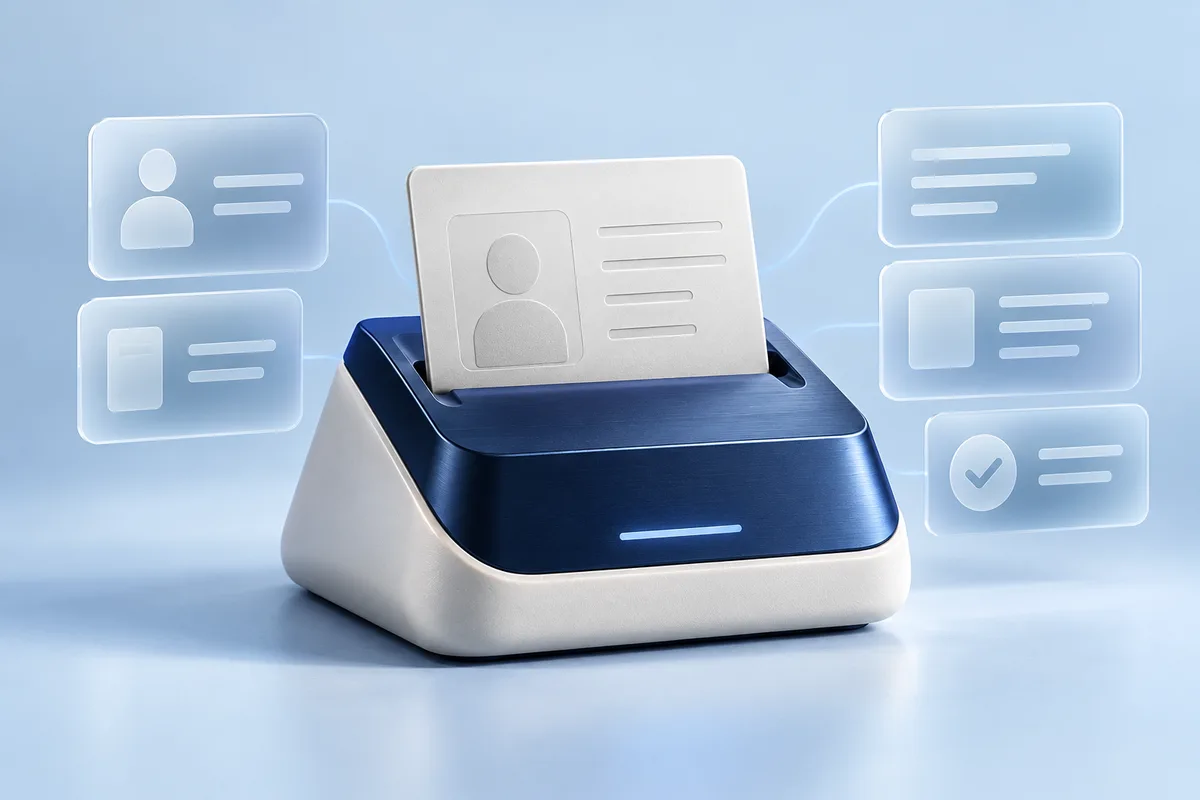
Synthetic data. A possible integration, not a ready-made connector or a live product screen.
DEMO-0001A customer applying for a payment account or financial product may enter their name, date of birth and document details, then submit a document showing much of the same information. Your operations team still needs a usable record and a clear way to resolve differences.
A fintech document OCR API converts that image into data your software can work with. Instead of leaving important information inside an attachment, your application can display extracted values, compare them with declared details and direct uncertain fields to review.
This gives product and operations teams a more consistent starting point for the next stage of onboarding. Your financial product retains control of the application, required checks and account-opening decision.
Populate the identity section of an application from a supported document. Let the applicant confirm the proposed details and show relevant differences to your review team before the application moves forward.
Prepare document-derived identity fields for your application record. Your separate systems can then handle income evidence, affordability assessment, identity proofing and the checks required for that product.
When a customer provides a renewed passport or replacement ID, extract the new document number and validity dates into a proposed update. Keep the previous approved record until your workflow completes the required review.
Give staff a structured view of document information alongside the application. Field-level review helps the team focus on unclear values and discrepancies instead of re-entering every readable detail.
Available output depends on the document, country, version and image quality. Commonly useful fields include:
| Field group | How your fintech application can use it |
|---|---|
| Names and name components | Prefill the identity section and compare it with the customer’s declaration |
| Date of birth | Identify differences that need confirmation or review |
| Document type and number | Prepare the document reference within the application |
| Issuing country and available issue details | Supply document context to your configured workflow |
| Issue and expiry dates | Provide inputs to your document-validity policy |
| Supported MRZ information | Add machine-readable document data and available checksum validation results |
Preserve meaningful differences. For example, a different date of birth should remain visible to the reviewer instead of being hidden by automatic overwriting.
Your application should distinguish a technical extraction status from a customer’s onboarding status. A successfully read document means data is available for the next step.
Customers may upload a phone photo with glare, blur or a missing edge. IdScanly’s supported capture feedback can help your interface request a useful correction instead of displaying an unexplained failure.
Front, back and retakes of the same document can be processed within one session. Partial fields can become available during processing, and the final result combines the available evidence into structured output.
This lets your product team design a clearer document journey while keeping the review requirements of the financial application explicit.
IdScanly is the document-data extraction component in your architecture. Document authenticity assessment, holder verification, liveness, sanctions screening and other KYC or AML controls require separate capabilities.
OCR confidence describes the reading of information from an image. An MRZ checksum provides a consistency check on encoded data. Neither result independently establishes that the document is genuine or that it belongs to the applicant.
Your backend manages the handoff between these components, the minimum fields each receives and the final review state.
Call the REST API from your backend, keep credentials server-side and map the results to your internal application schema. Test the countries and document versions you expect to accept, including difficult names, date formats and incomplete images.
For larger workloads, discuss dedicated-server options, expected processing volumes and support requirements with IdScanly. Capacity and service terms should be agreed for your use case.
Read the API documentationNo. It extracts identity-document data for your workflow. Identity proofing, screening, financial-risk controls and regulatory decisions require separate systems and processes.
Yes. Your integration can compare extracted fields with declared information and route meaningful differences to confirmation or review.
Yes. Process the replacement document and prepare the updated fields for review. Your application controls when the customer record is changed.
No. Your own policy determines how the date, document type and other evidence affect the application. Extraction supplies the date as an input.
You can use its OCR output within a workflow that also calls other services. Your backend implements each provider connection and determines the data exchanged between them.
Limit access to necessary teams, keep document payloads out of general application logs and define your retention rules. Review IdScanly’s current privacy and processing terms, including temporary data used for processing and result retrieval.
Evaluate field-level results against your expected application documents. Share your product flow, supported countries and integration requirements to discuss API access.
For the technical extraction workflow, see document OCR for KYC and customer onboarding.